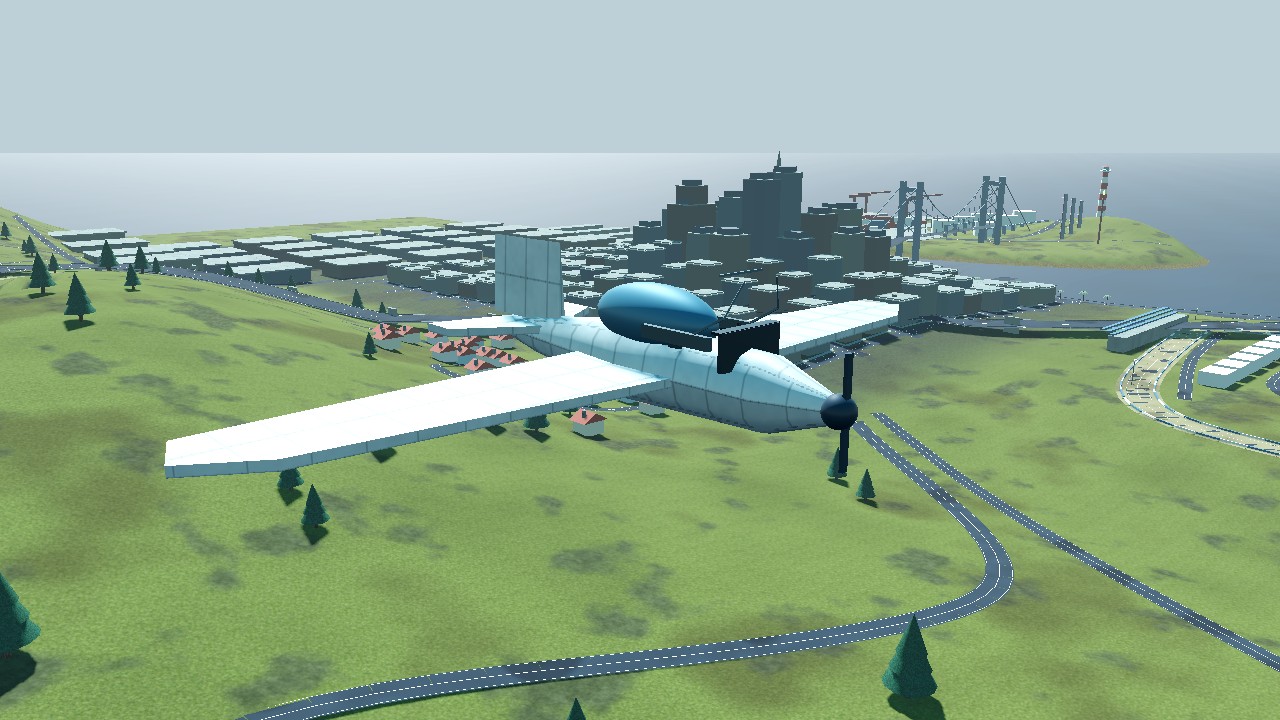
 01 / SCOUT
Vector Scout
Your everyday explorer. Balanced speed and response, with a clear analog instrument panel.
THE ALL-ROUNDERFrom a gentle Meadow flight over the bay to a jet roll above the skyline. Choose your aircraft, settle into the cockpit, and make the sky your own.
Every aircraft has a distinct model, cockpit display, engine response, and handling profile. Pick one in the opening hangar and launch straight into free flight.
01 / SCOUTYour everyday explorer. Balanced speed and response, with a clear analog instrument panel.
THE ALL-ROUNDER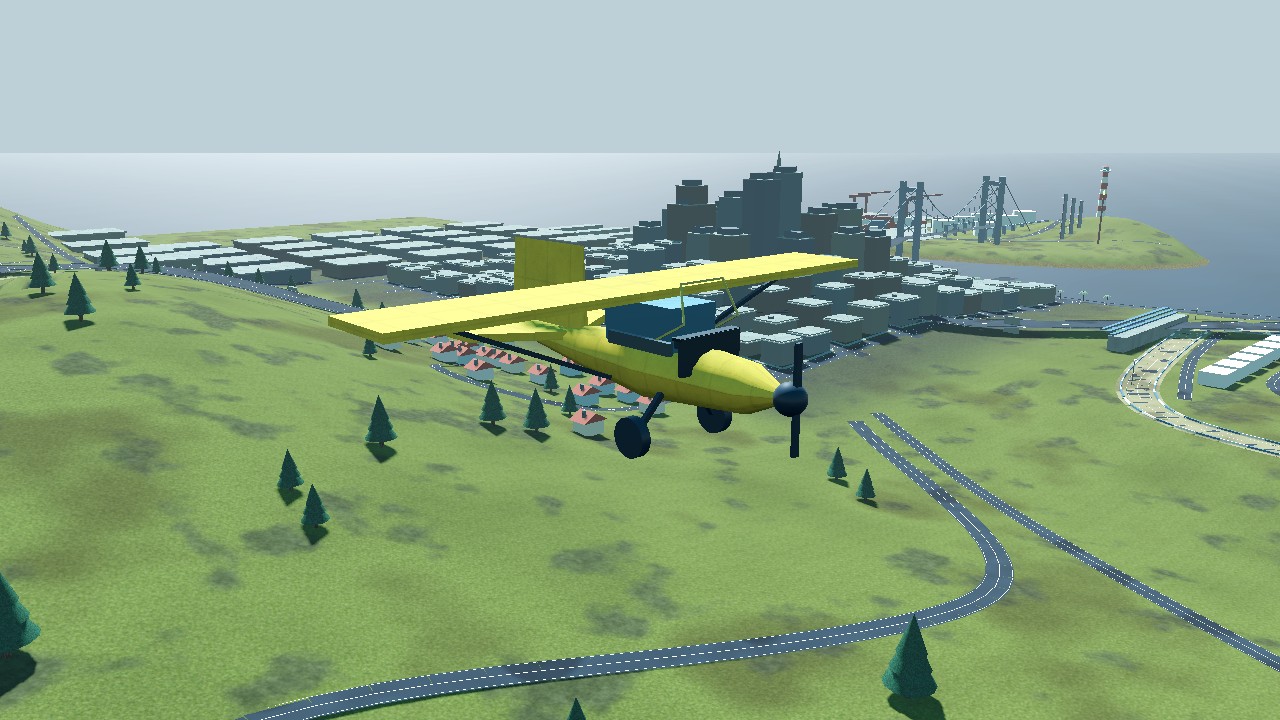 02 / MEADOW
A light high-wing classic for taking the scenic route. Slow down and discover the waterfront.
LOW & SLOW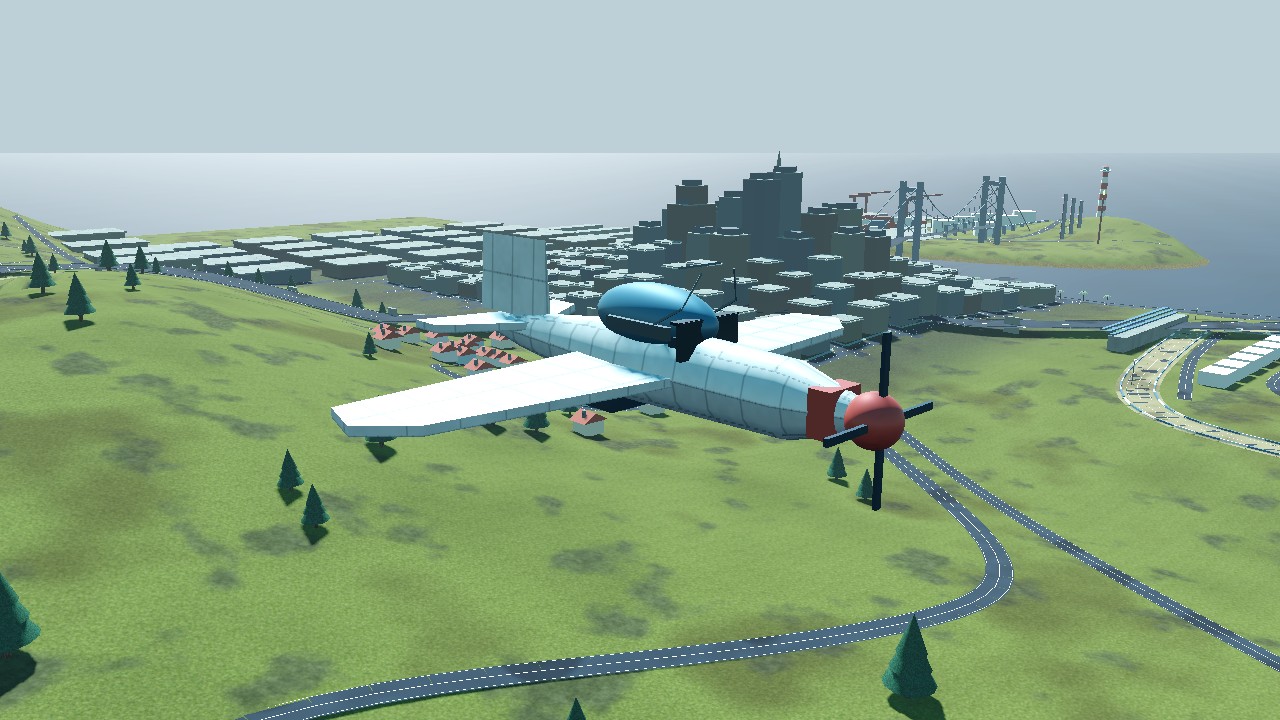 03 / KESTREL
Propeller power with a bubble canopy and sharper response. Build speed, climb, and roll.
PROPELLER PERFORMANCE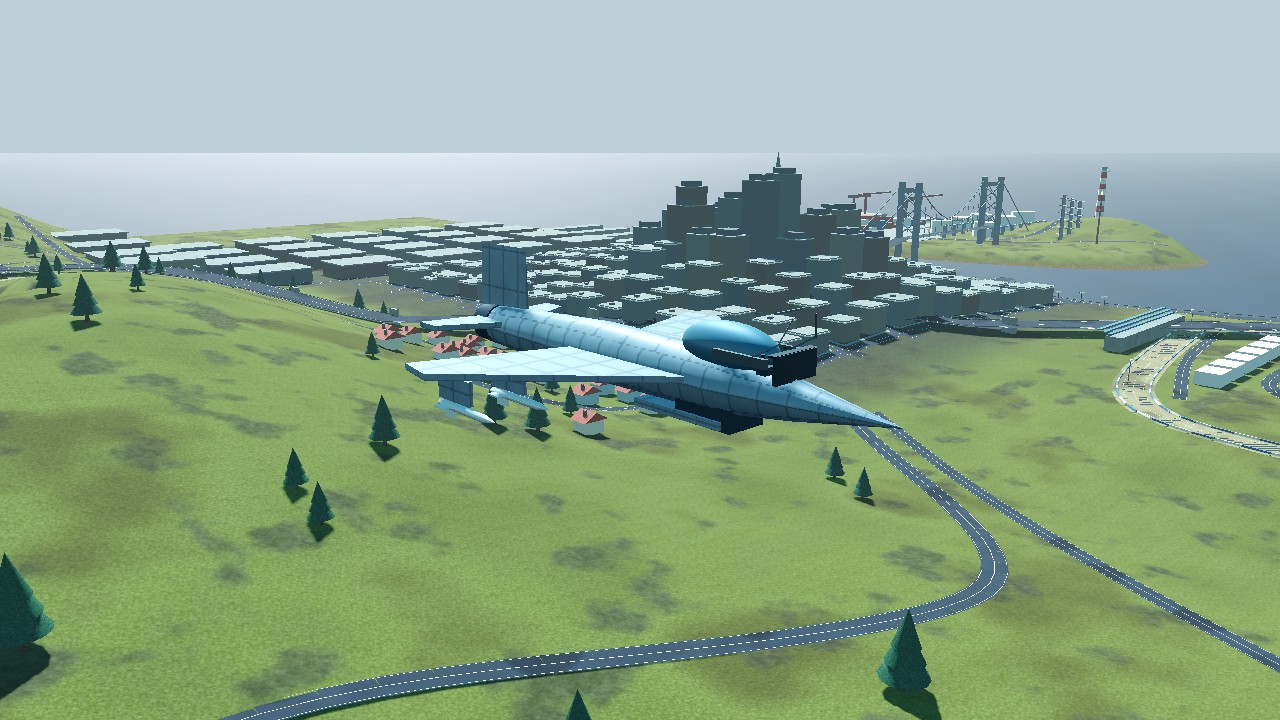 04 / ARROW
Fast acceleration, quick rolls, and a digital flight display. Four missiles add a little spectacle.
THE FAST LANE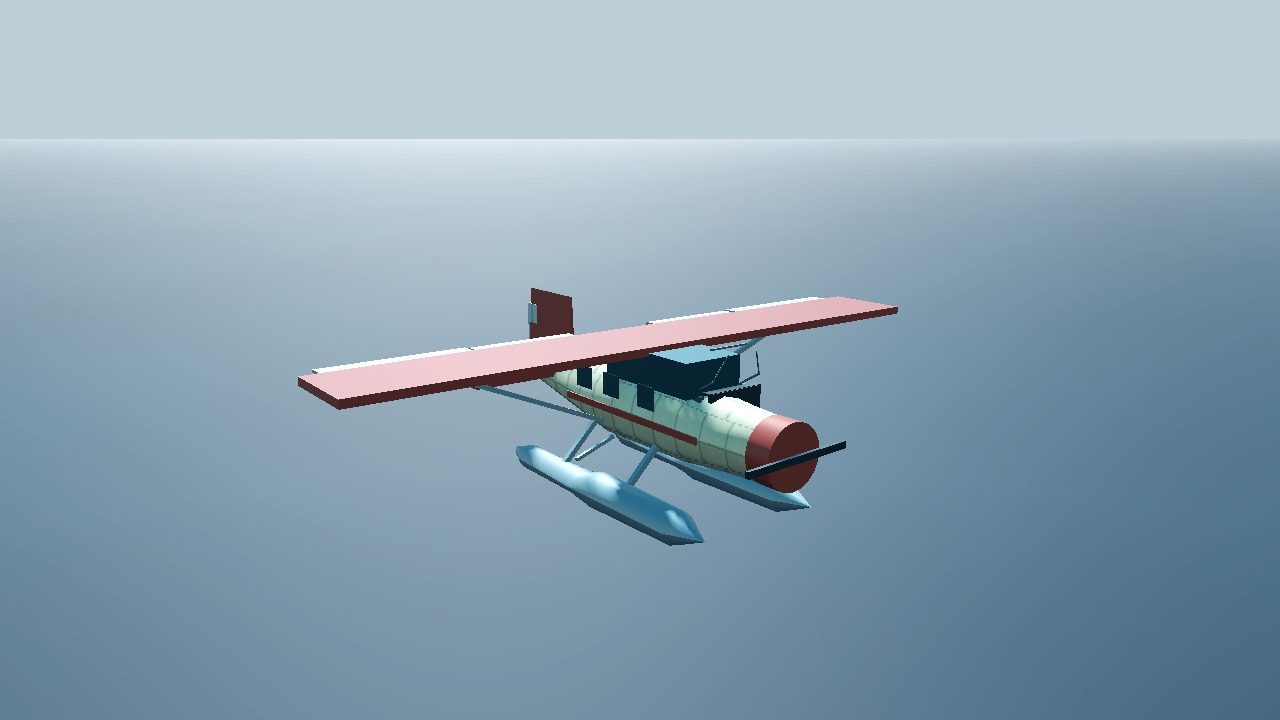 05 / HARBOR
A radial-engine coastal explorer on fixed floats. Start on the water, accelerate onto the step, and lift off to explore the island.
THE WATER EXPLORER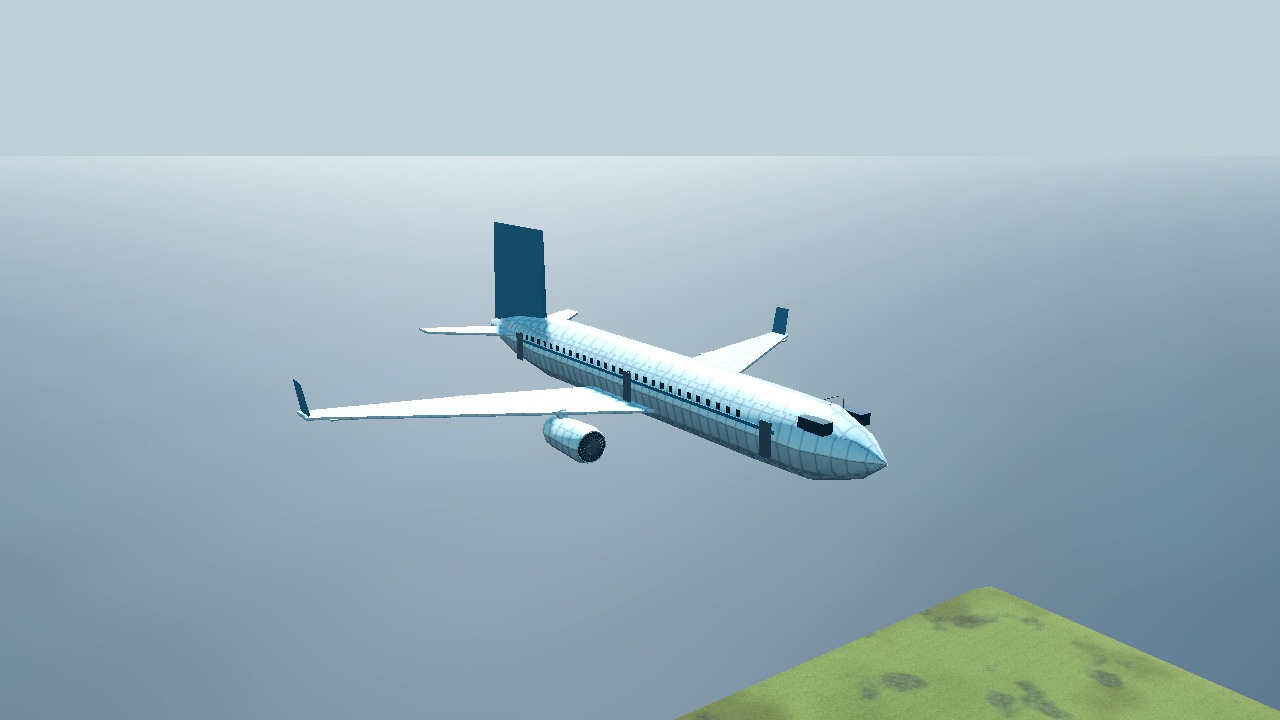 06 / MERIDIAN
A fictional twin-turbofan airliner with swept wings and a digital cockpit. Plan gentle turns, use flaps, and allow time for the engines to spool.
THE COASTAL AIRLINER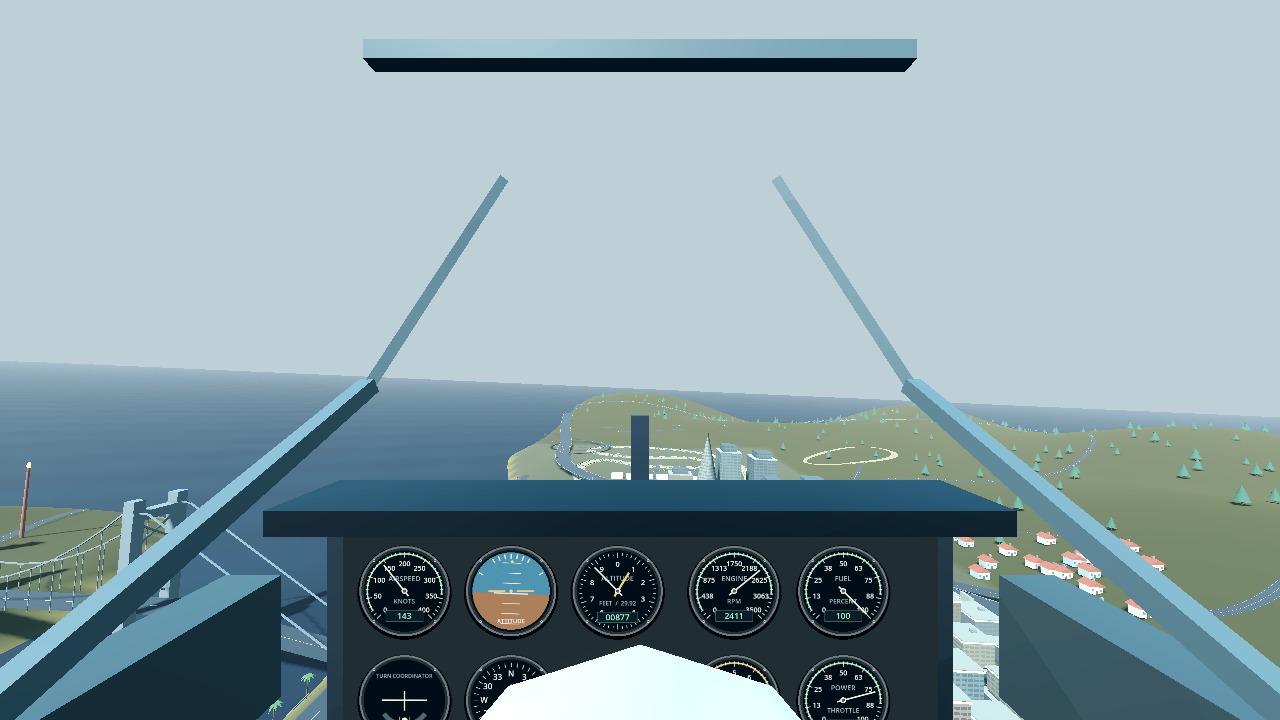
A lowered physical instrument panel keeps the view ahead open. Hold the right mouse button to look around the cockpit or down at the gauges.
Choose from six aircraft in the startup menu, then choose an airborne flight or Start on Runway (Start on Water for the Harbor). Keys 1-6 select the fleet. Runway starts have the parking brake on: press W to add throttle and release it. Play with keyboard and mouse, or enable Mobile Controls in the main menu for a phone or tablet in landscape. Mobile Controls are off by default. On a phone, tap Touch Controls: OFF at the top right to turn them on, then rotate to landscape. Reset returns to your flight's starting position; Exit to Menu returns to aircraft selection. Use the Fullscreen button for a larger view. Engine, wind and warning audio starts with your flight; the main-menu SFX toggle mutes it. An original ambient soundtrack plays gently in the menu and quieter in flight; the separate Music toggle controls it. Enable Music Louder Than Engine (In Flight) in the menu to favor the soundtrack; it is off by default. A click or tap may be needed to unlock browser audio. A WebGL 2 browser is required.
PLAY IN YOUR BROWSER ↗Prototype 0.3.7 · 3 November 2026. Simplified original aircraft and a West Coast-inspired map. Tuned sectional aerodynamics are a gameplay approximation, not a certified aircraft simulation. The Harbor uses calm-water buoyancy and planing; the Meridian has simplified shared engine controls and no full airliner avionics or autopilot. Damage has no structural break-up. No multiplayer, destructible buildings, or target-lock missiles. Original synthesized aircraft sounds are not real-aircraft recordings. Physical mobile devices have not yet been tested. Browser fullscreen availability varies, with an expanded-view fallback on unsupported devices. Windows, Linux and macOS offline downloads are available. Windows startup tested; Linux and Mac have structural validation only.